
Hardware Specifications
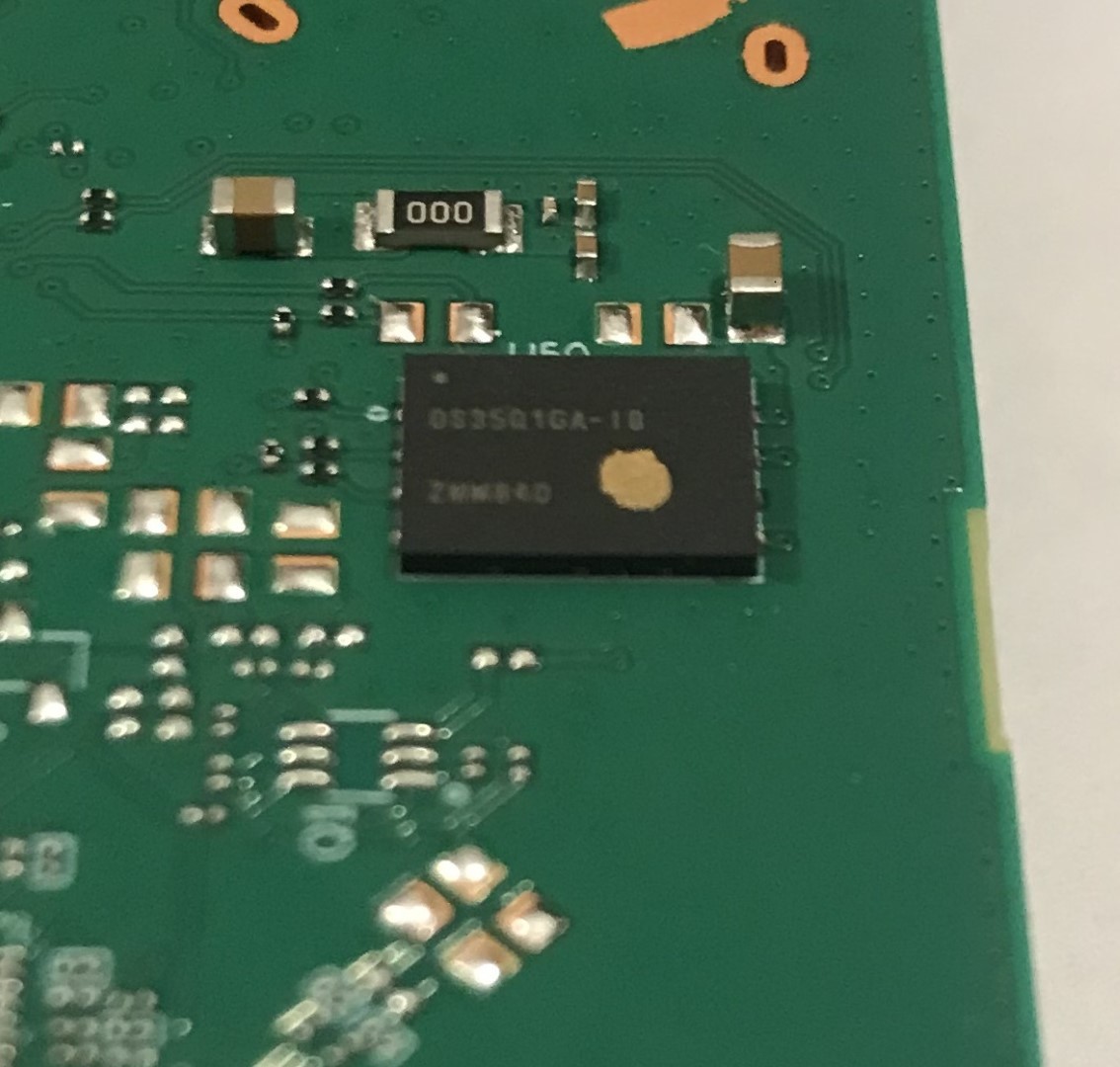
| ------------ | --------------------------------------------------------------- | | Vendor/Brand | Huawei | | Model | HN8010Ts | | ODM | | | Chipset | HiSilicon SD5117 | | Flash | 128MB | | RAM | 32MB | | System | Dopra Linux | | 10GBaseT | Yes | | Optics | SC/APC | | IP address | 192.168.100.1 | | Web Gui | ✅ user: telecomadmin, password: admintelecom | | SSH | | | Telnet | After Enabling (via XML file) user: root, password: adminHW | | Serial | | | Form Factor | ONT |
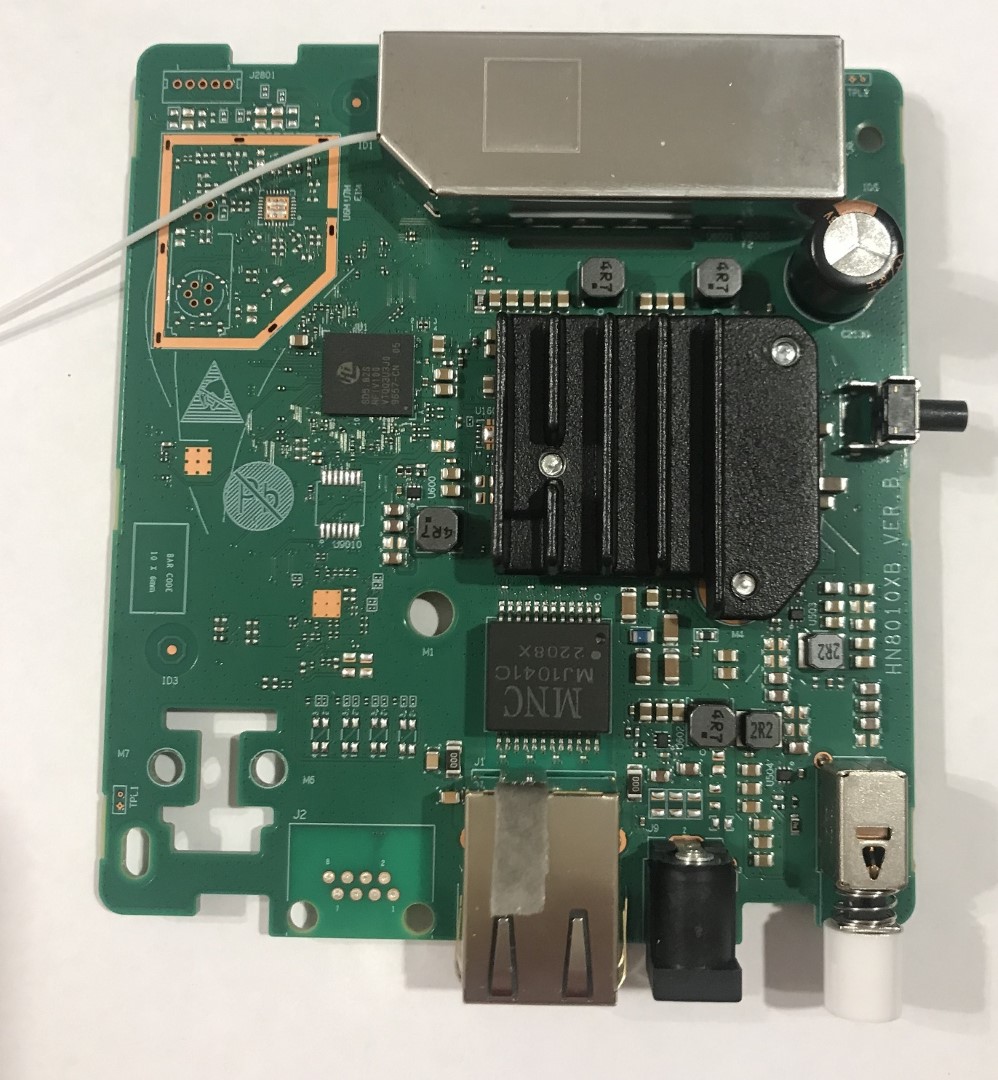
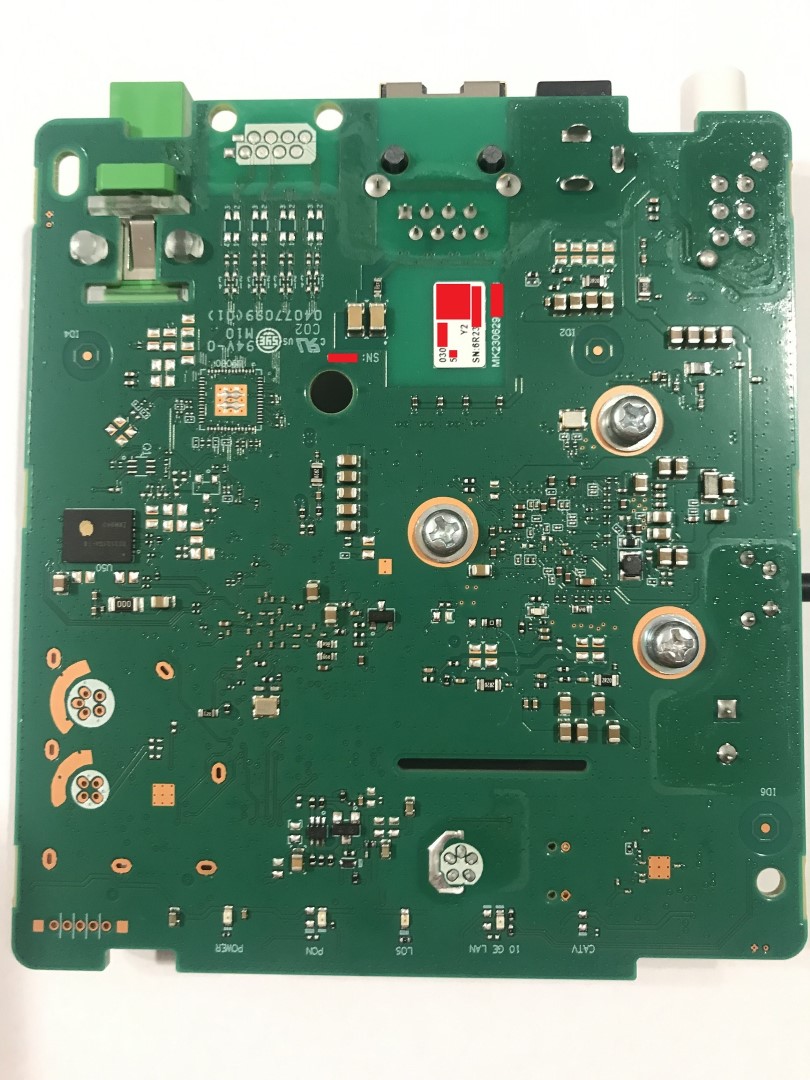
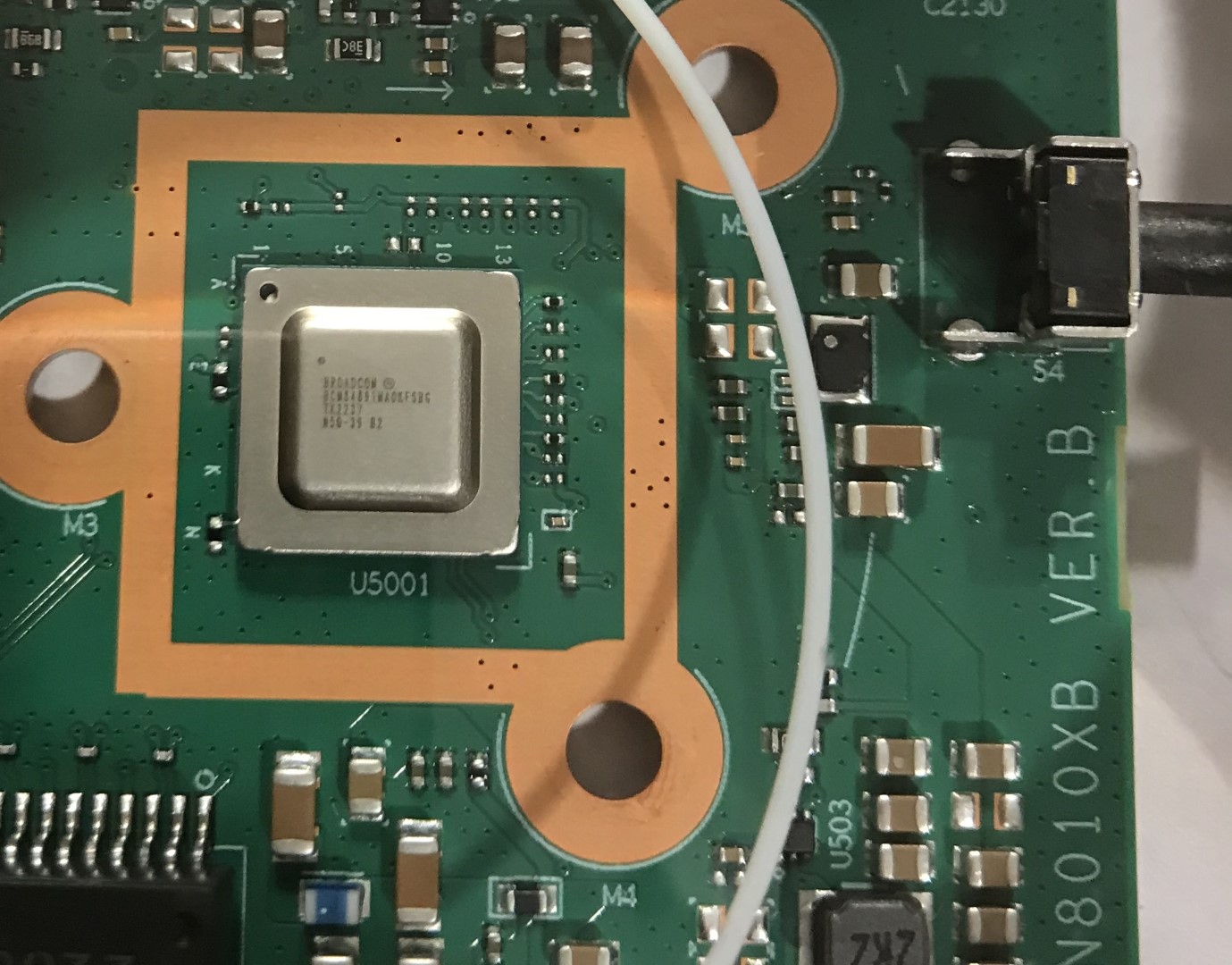
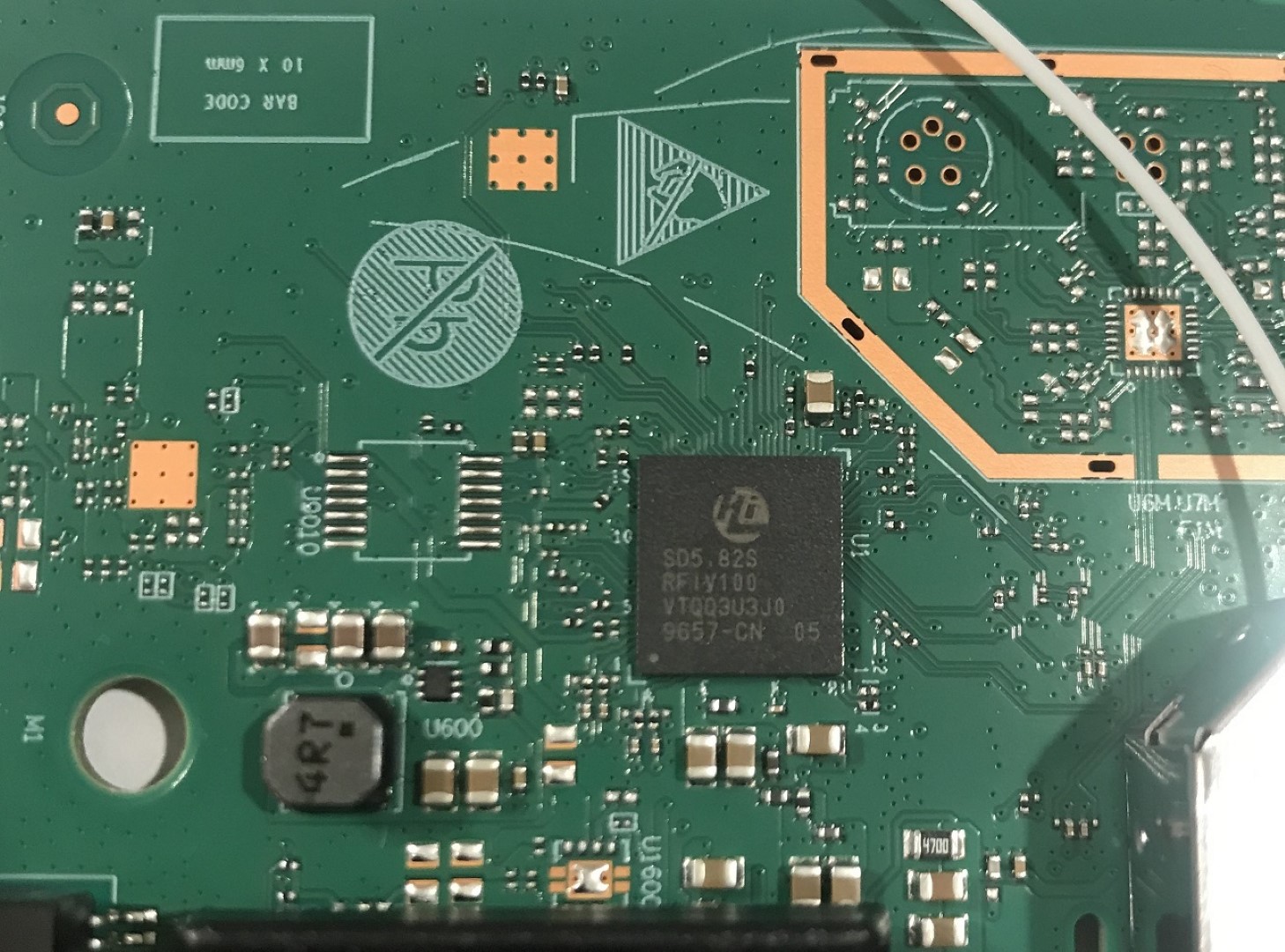
Software Version
- V5R02C0C10S165
List of partitions
0x000000000000-0x000000100000 : "bootcode" (1MiB)
0x000000100000-0x000008000000 : "ubilayer_v5" (127MiB)
Enabling telnet
We need access to a specific shell and in order to get it enabling telnet is required. On the ONT, the telnet server accepts connections but doesn't read any input, nor does it send anything.
To enable telnet the configuration backup/restore web UI page will be used. The configuration can be downloaded as an XML, which contains a lot more options than the web interface and a couple of them can be modified to enable telnet access: under the X_HW_CLITelnetAccess node, set the Access attribute to 1 and, in AclServices, TELNETLanEnable should also be set to 1. Both might have to be set but your mileage may vary.
It is possible that this won't work/has been fixed in more recent versions.
Now that this is done, the modified configuration file can be uploaded via the web interface, the ONT will restart and telnet should be accessible on port 23.
Warning
All results need to be converted from HEX to ASCII. You can use our Converter, taking care to add 0x in front and remove the spaces every 8 hex digits.
GPON ONU status
Get information of the OLT vendor
WAP>omcicmd mib show meid 131 instid 0

  -------------------------------------------------------
  Me(OLT-G), instance(0x0), instance size is 54
  -------------------------------------------------------
  Att1, AttSize = 0x4, AttContent: 48575443
  Att2, AttSize = 0x14, AttContent: 00000000 00000000 00000000 00000000 00000000
  Att3, AttSize = 0xe, AttContent: 31300000 00000000 00000000 0000
  Att4, AttSize = 0xe, AttContent: 00000000 00000000 00000000 0000
  -------------------------------------------------------

success!
0x48575443 → HWTC (Huawei)
GPON/OMCI settings
Getting OMCI software version (ME 7)
WAP>omcicmd mib show meid 7 instid 0

  -------------------------------------------------------
  Me(Software Image), instance(0x0), instance size is 19
  -------------------------------------------------------
  Att1, AttSize = 0xe, AttContent: 56355230 32304331 30533131 3500
  Att2, AttSize = 0x1, AttContent: 00
  Att3, AttSize = 0x1, AttContent: 00
  Att4, AttSize = 0x1, AttContent: 01
  -------------------------------------------------------

success!
WAP>omcicmd mib show meid 7 instid 1

  -------------------------------------------------------
  Me(Software Image), instance(0x1), instance size is 19
  -------------------------------------------------------
  Att1, AttSize = 0xe, AttContent: 56355230 32304331 30533131 3500
  Att2, AttSize = 0x1, AttContent: 01
  Att3, AttSize = 0x1, AttContent: 01
  Att4, AttSize = 0x1, AttContent: 01
  -------------------------------------------------------

success!
0x56355230 32304331 30533131 3500 → V5R020C10S115
Getting OMCI hardware version and vendor ID (ME 256)
WAP>omcicmd mib show meid 256 instid 0

  -------------------------------------------------------
  Me(ONT-G), instance(0x0), instance size is 73
  -------------------------------------------------------
  Att1, AttSize = 0x4, AttContent: 48575443
  Att2, AttSize = 0xe, AttContent: 32343046 2e410000 00000000 0000
  Att3, AttSize = 0x8, AttContent: 2a2a2a2a 2a2a2a2a
  Att4, AttSize = 0x1, AttContent: 00
  Att5, AttSize = 0x1, AttContent: 00
  Att6, AttSize = 0x1, AttContent: 00
  Att7, AttSize = 0x1, AttContent: 00
  Att8, AttSize = 0x1, AttContent: 00
  Att9, AttSize = 0x1, AttContent: 00
  Att10, AttSize = 0x18, AttContent: 2a2a2a2a 2a2a2a2a 2a2a2a2a 2a2a2a2a 2a2a2a2a 2a2a2a2a
  Att11, AttSize = 0xc, AttContent: 2a2a2a2a 2a2a2a2a 2a2a2a2a
  Att12, AttSize = 0x1, AttContent: 00
  Att13, AttSize = 0x2, AttContent: 0001
  -------------------------------------------------------

success!
0x48575443 → HWTC0x32343046 2e41 → 240F.A
Getting OMCI equipment ID (ME 257)
WAP>omcicmd mib show meid 257 instid 0

  -------------------------------------------------------
  Me(ONT2-G), instance(0x0), instance size is 44
  -------------------------------------------------------
  Att1, AttSize = 0x14, AttContent: 48473830 31304876 36000000 00000000 00000000
  Att2, AttSize = 0x1, AttContent: b0
  Att3, AttSize = 0x2, AttContent: 0240
  Att4, AttSize = 0x1, AttContent: 01
  Att5, AttSize = 0x1, AttContent: 01
  Att6, AttSize = 0x2, AttContent: 0040
  Att7, AttSize = 0x1, AttContent: 02
  Att8, AttSize = 0x1, AttContent: 01
  Att9, AttSize = 0x2, AttContent: 0020
  Att10, AttSize = 0x4, AttContent: 00000000
  Att11, AttSize = 0x2, AttContent: 007d
  Att12, AttSize = 0x1, AttContent: 00
  Att13, AttSize = 0x2, AttContent: 0018
  Att14, AttSize = 0x2, AttContent: 0001
  -------------------------------------------------------

success!
0x48473830 31304876 36 → HG8010Hv6